
Write freely.Keep it yours.
A fast, offline space for writing, thinking, and organizing ideas.
Download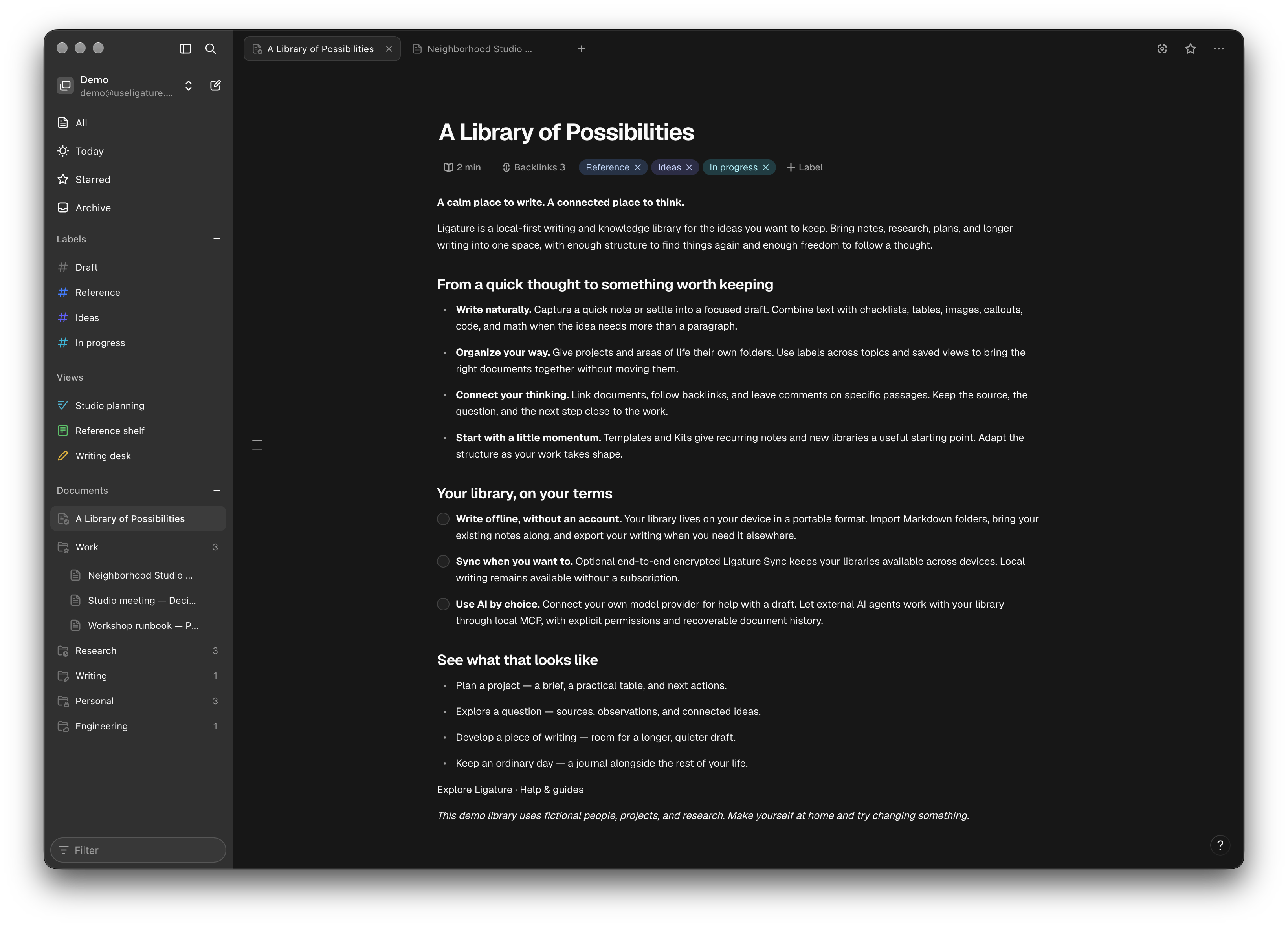
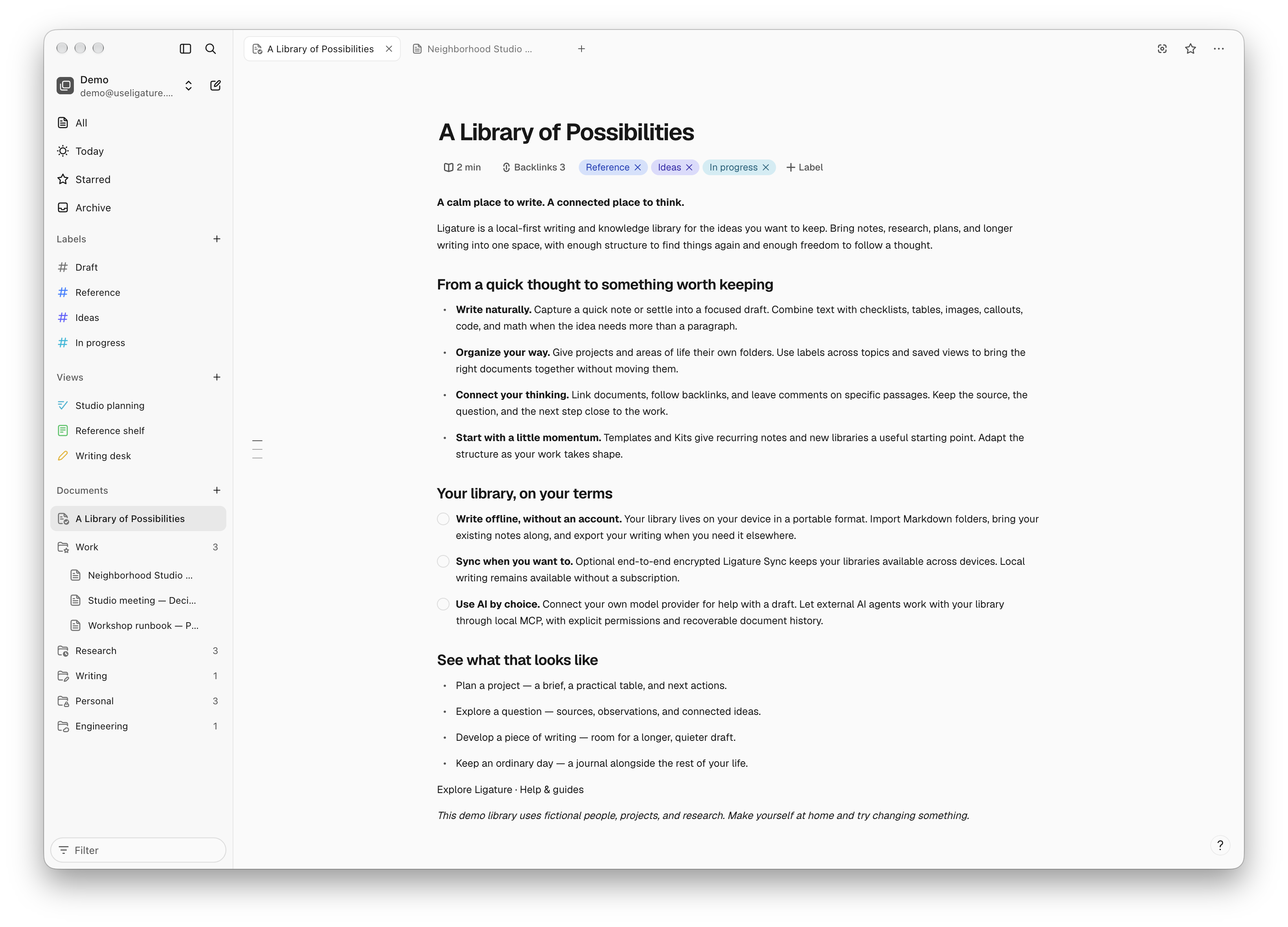
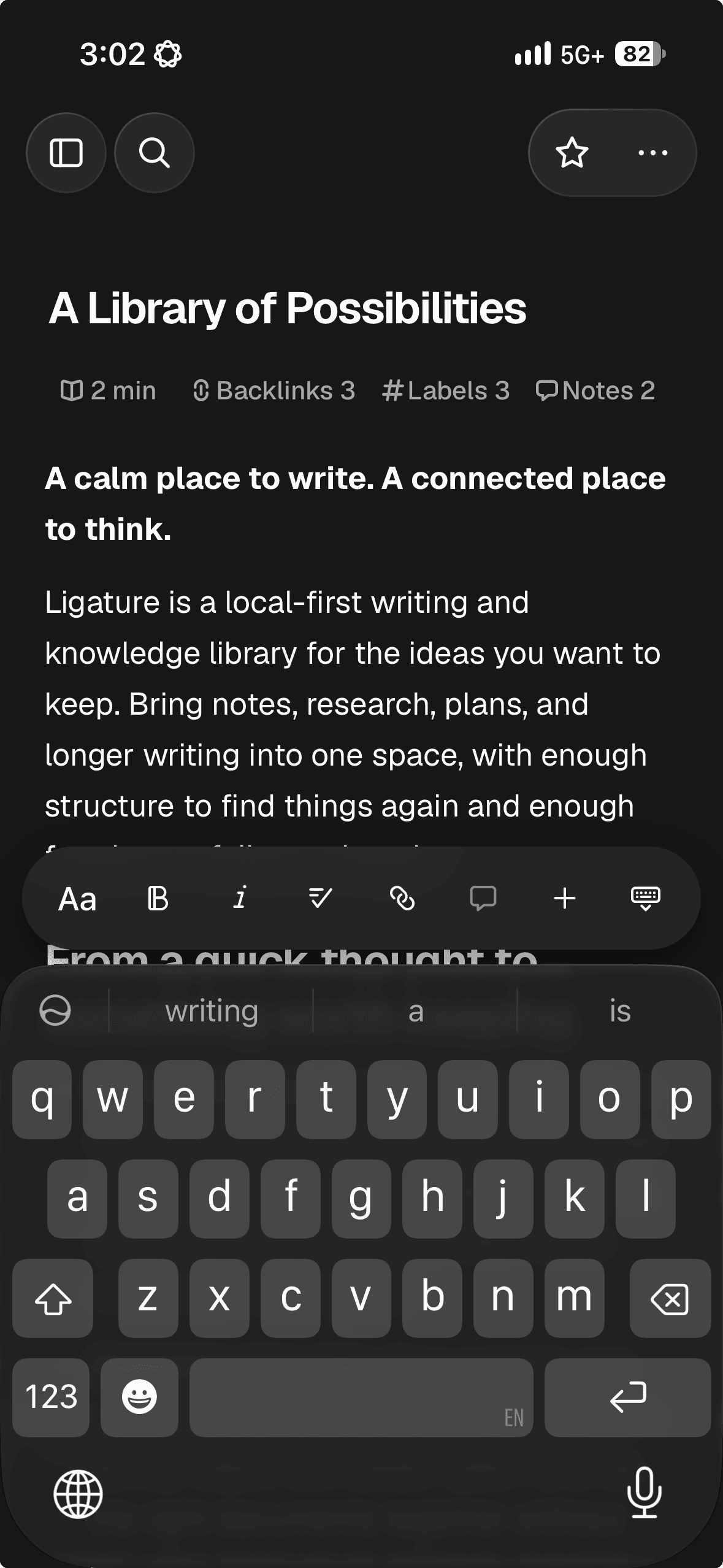
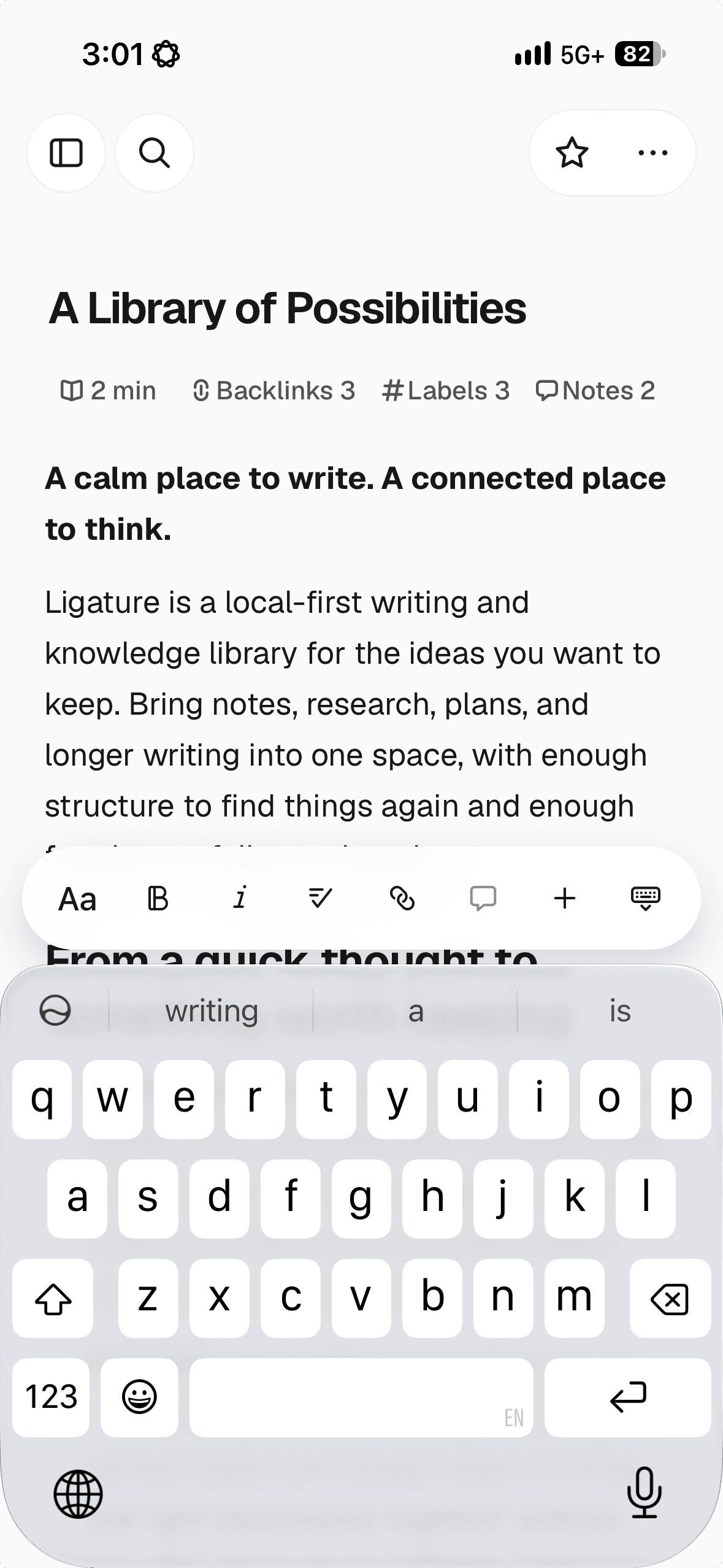
What's in the library
Everything you need. Nothing you don't.
Yours by default
Your writing lives on your computer. No account, no cloud, no lock-in.
Organize your way
Keep ideas in documents and folders. Add labels and tasks when you need more structure.
Built from blocks
Shape your writing with headings, lists, callouts, tables, and more.
Annotate as you write
Add notes to selected text without interrupting your writing.
Focus on writing
Hide the distractions when you want to focus on the page.
Use the AI you want
Connect OpenAI, Claude, Ollama, or LM Studio. Your keys stay on your computer.
Ready for agents
Give AI agents access to your library through MCP—only when you choose.
Sync when you want
Start completely local. Add Sync when you want your library on more devices.
Your space to write.
Free to use. Yours to keep. No account required.
macOS
Apple Silicon
iOS
iPhone · Beta access
A few things to know.
Looking for a walkthrough? Visit Support.
Is Ligature free?
Yes. Writing and organizing a library on your device is free. Sync is an optional paid service for keeping your library up to date across devices.
Do I need an account?
You can create a local library and write without an account. Sign in when you want to use Ligature Sync.
Does it work offline?
Yes. You can write, edit, and organize documents in your local library without an internet connection. Sync and connected services need a connection; offline changes sync when you reconnect.
Where is my writing stored?
Your writing lives in a library on your device. You control those files and can keep your own backups. Learn more about library files and backups and recovery.
Which devices can I use?
The desktop beta is available for Mac with Apple Silicon. Windows and Linux desktop downloads are not offered publicly yet. Download it above, or contact us about access to the mobile app shown in the preview.